Challenge 8 · Boarding Resumes: Brief Airline Leadership
Challenge 08 of 08 · Act V: Major Incident
Run mode: Review · Access: read-only summarization, plus governed writes back to your repo · Time: ~45 min (+20 for the stretch tasks)
Stage: Foundation → Operations → Engineering → Autonomous → Major Incident
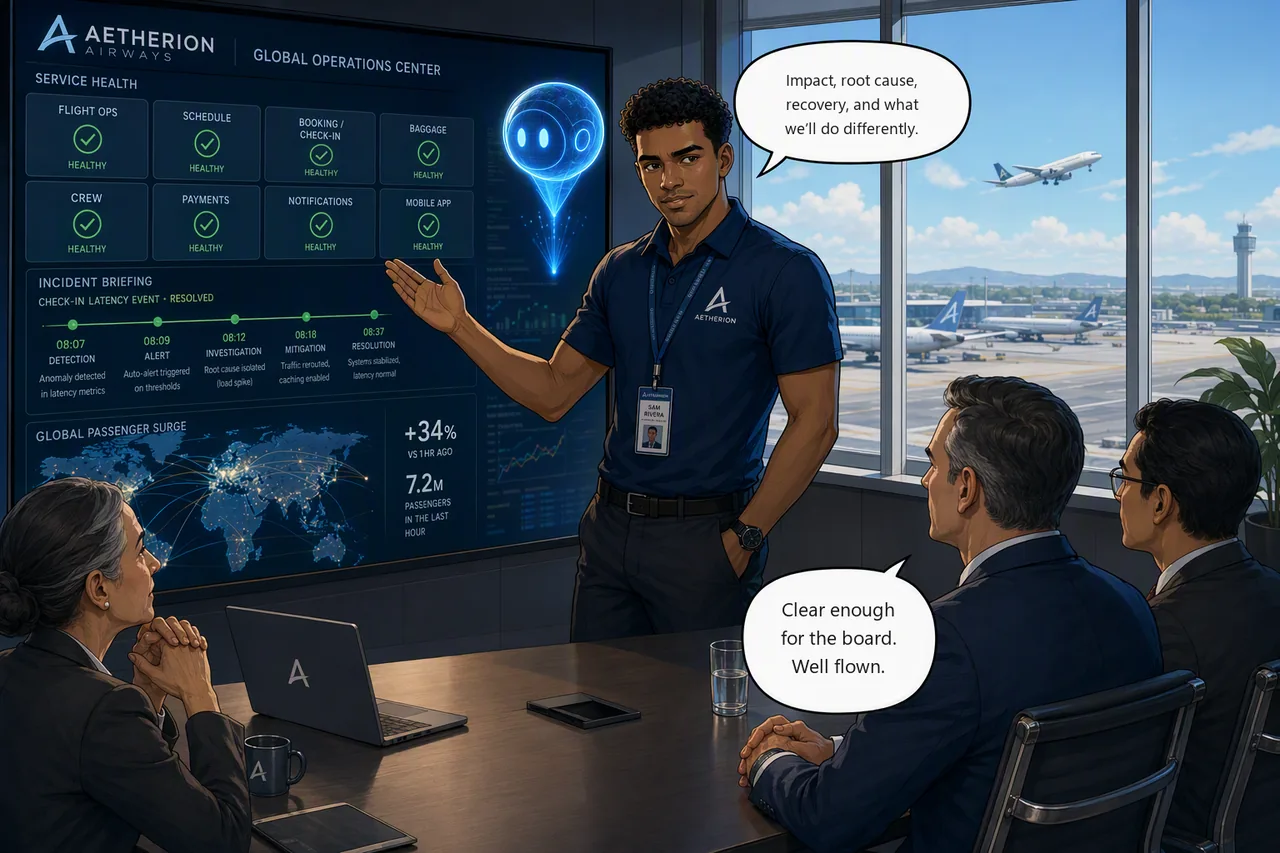
Situation. The platform is stable and the peak departure bank is away safely. A major incident isn't closed when the tiles go green; it's closed when leadership understands it and the team has captured what to do differently.
Mission. Turn the shift's evidence into three artifacts: a concise leadership briefing, an engineering RCA handover that cleanly separates symptom, root cause, contributing factors, mitigation, permanent fix, recovery evidence and remaining risk, and a durable record published back into the repository so the next incident starts from what you learned in this one.
Start this challenge
Challenge 8 injects no fault, so the platform stays green while you write.
Tasks
- Assemble the evidence. Build one defensible narrative per incident from what you preserved through the shift.
- Write the leadership briefing. Short, impact-first, non-technical, for the operations director.
- Write the engineering RCA handover. Precise actions, verification, open risks, and change evidence for the next on-call.
- Generate the executive PDF. Have the agent render the briefing (with a timeline chart) via its Python sandbox.
- Publish the RCA back to the repo. Add the GitHub Connector and have the agent file the RCA as an issue on your copy of the application repo.
- Connect an MCP server and open the PR. Add GitHub MCP, manage the tool budget, then have the agent branch, commit and raise a pull request that fixes the runbook that failed you.
Tasks 5 and 6 are stretch. They need the GitHub PAT you created during setup. If the day is running short, finish tasks 1–4 and treat these as take-home.
Suggested Azure SRE Agent prompt
Paste into the agent chat
From today's preserved evidence and action plans, draft two separate artifacts: (1) a concise, impact-first leadership briefing (business impact, root cause, recovery, cost/risk, lessons learned) and (2) an engineering RCA handover (actions taken, how each was verified, open risks, and change evidence: rollout history with its recorded change causes for the workload changes, and the Azure Activity Log for the API Management policy change). Then render the leadership briefing as a formatted PDF with an incident-timeline chart using your Python sandbox.
Success criteria
- The platform is healthy at close.
- The leadership briefing covers impact, root cause, recovery, cost/risk, and lessons learned; the engineering RCA handover captures actions, verification, remaining risk, and change evidence from rollout history and the Activity Log.
- The agent produced a downloadable PDF of the leadership briefing (with a timeline chart) via its Python sandbox.
- Symptom, root cause, contributing factors, immediate mitigation, and permanent corrective action are clearly separated, and
check-challenge.ps1 8passes. - Stretch: the agent filed the RCA as an issue on your repo, and with an MCP server connected and scoped against the 80-tool budget, branched, committed and opened a pull request improving the runbook that failed during Challenge 7.
Verify your work
The platform health is graded; the briefing and RCA are yours to attest to. Run this when you're done to complete the hack:
Hints
Evidence, and two audiences. Start from the evidence you preserved, not memory; let the agent's action plans jog the timeline. Write two documents, not one blended one: leadership wants impact and outcome; the next on-call wants exact actions, root-cause evidence, and open risks.
Close the loop. Feed the lessons learned back into the agent's knowledge / memory so a recurrence is handled faster next time. Then get it out of the agent entirely: a record that only lives in one agent's memory is still a single point of failure. Task 5 puts it in the repository, where the whole team, and the next agent, can find it.
Stuck? Step-by-step for each task
Give each task a genuine attempt first, and skim the hints above. When you want the exact clicks, open the matching task below.
Task 1 · Assemble the evidence
- Pull the timeline together from what you preserved during the shift (agent threads, action logs, Activity Log, telemetry): one defensible narrative per incident, not from memory.
Task 2 · Write the leadership briefing
Paste this into the agent chat:
Write a briefing for the operations director about today's major incident. Lead with business impact, not technology. Cover: what passengers experienced and for how long, the root cause in plain language, how we recovered, the cost and residual risk, and the lessons we are taking forward. Keep it under one page and use no Kubernetes jargon.
Judge it the way the director would. If a sentence needs a platform engineer to translate it, send it back.
Answer the question the director will actually ask
"What did this buy us?" You have two numbers for it: the minutes to a defensible hypothesis in Challenge 2, working cold, and the minutes to recover the crew tier in Challenge 7, with runbooks, a skill and the agent's memory of the earlier incident in place.
Add them to the briefing yourself — the agent cannot know them:
Add a short section titled "What the agent changed about our response". Our time to a defensible hypothesis on the first incident was X minutes; on the same failure class later in the day, with your runbooks and skill in place, recovery took Y minutes. State the difference plainly, and be clear that this is one day's sample from one team, not a benchmark.
Also open the agent's own Track incident value view and sanity-check your narrative against what it recorded. An anecdote is worth little when you get back to your own organisation; a number with an honest caveat is worth a great deal.
Task 3 · Write the engineering RCA handover
Paste this into the agent chat:
Write an engineering RCA handover for the next on-call. List every action taken and how each one was verified, the remaining risk, and the change-correlation evidence with exact sources. Be precise enough that someone who was not here could audit it.
- Be specific about where that evidence lives. The workload changes are in
rollout history (
kubectl rollout history deploy/<svc> -n aetherion) with the change cause recorded against each revision; the API Management policy change is in the Azure Activity Log as aSet Product policy configurationoperation. In-cluster changes never reach the Activity Log, which is itself worth calling out as a gap in the handover. - If the agent reports that it found nothing, ask it to query the Activity Log at subscription scope rather than filtering by resource group. The API Management policy operation is not always attributed to the resource group, so a resource-group-scoped query can come back empty even though the events are there.
Task 4 · Generate the executive PDF
Paste this into the agent chat:
Render the leadership briefing as a formatted PDF, including an incident timeline chart, using your Python sandbox. Give me a download link.
The agent writes the file in its sandbox and returns a link. If the download fails, ask it to list the generated file and give you the link again, because the first link can expire.
Task 5 · Publish the RCA back to the repo
In Challenge 1 you connected your repo so the agent could read it. It has been correlating deployments against that repo all day. It has no tool that writes a single character back to it.
That is not a permissions oversight. GitHub attaches to the agent in three separate ways, and you have only set up the first:
| Connection | Where you set it up | What it grants |
|---|---|---|
| Code Access | Builder → Code Access | Read, search, correlate. No write tools |
| GitHub Connector | Builder → Connectors → Add connector | Create issues, open and merge PRs, trigger Actions |
| GitHub MCP | Builder → Connectors → Add connector | The full GitHub tool catalog, with approval policies |
'No writes' is a tool boundary, not a permission boundary
Code Access gives the agent no write tools, but it does leave an OAuth
credential in the sandbox clone. Validated during authoring: running in
Autonomous mode with only Code Access configured, the agent read the
token out of .git/git-credentials and filed the issue with gh api
directly — no connector involved.
So the thing actually holding the line here is run mode and approvals, not the absence of a connector. In Review mode that same shell command surfaces for your approval first. Set up the connector anyway: it is the governed, auditable path, and it is what the rest of this challenge builds on.
Add the GitHub Connector.
- Builder → Connectors → Add connector → GitHub.
- Authenticate with OAuth (browser popup) or a fine-grained PAT.
- The token needs issue and pull-request scope, not just
reporead. On a fine-grained PAT that is Issues: Read and write and Pull requests: Read and write. - Select your copy,
<your-account>/aetherion-airops-platform.
OAuth tokens keep themselves alive
GitHub OAuth tokens expire after about eight hours, but the agent refreshes them ahead of expiry on its own. You will not get logged out mid-workshop.
Issues are already enabled
You created your repo from a template, so Issues came on by default
and this step just works. Had you forked instead, GitHub would have
turned Issues off and the agent would report
HTTP 410 Issues are disabled for this repository — a repository
setting, not an agent or token problem.
Now have it file the RCA. Paste this into the agent chat:
Publish the engineering RCA you just wrote as a GitHub issue on
https://github.com/<your-org>/aetherion-airops-platform. Title itRCA: major incident - global check-in degradation. In the body include the timeline, the root cause per affected service, every action taken and how it was verified, and a checklist of the corrective actions you would recommend. Label itincident.
You are in Review mode, so the write is proposed and you approve it. Read what it is about to publish before you do. This is going into a repository with your name on it.
Filing an issue records what happened. It does not change what happens next. For that you need to change a file, and the GitHub Connector cannot do it: creating a pull request through the connector requires the source branch to already exist with the changes committed. It opens a PR between branches that are already there. It does not create a branch and commit files for you.
That missing capability is the whole point of Task 6.
Task 6 · Connect an MCP server and open the pull request
The agent has five ways to be extended: skills and subagents (you built both in Challenge 5), Python tools (it just rendered your PDF with one), hooks, and MCP servers. MCP is the one you have not touched, and it is how the agent reaches anything Microsoft did not build a connector for.
The Model Context Protocol is an open standard. An MCP server wraps a service and exposes its capabilities as tools the agent discovers and calls. The agent ships connectors for GitHub, Datadog, Splunk, New Relic, Dynatrace and Elasticsearch, and will talk to any custom server you point it at.
You are connecting GitHub, because it is the one you already have credentials for and it is the one that unblocks the PR.
Connect it.
- Builder → Connectors → Add connector.
- Choose the GitHub partner card. Transport is Streamable-HTTP and the URL is prefilled.
- Provide a Personal Access Token. For partner connectors the auth method is fixed, so there is no OAuth option here — you supply the credential.
- Connect.
The token needs write scope, and a read-only one fails silently at connect time
You should already have this token from setup. If not, create it now at github.com/settings/personal-access-tokens/new.
This task creates a branch, commits a file and opens a pull request, so on a fine-grained token scoped to your copy you need:
- Contents: Read and write — the branch and the commit
- Pull requests: Read and write — the PR
- Issues: Read and write — to reference the RCA issue
Set Repository access to Only select repositories and pick your
repo: it is private, so a token limited to public repositories
cannot see it. A classic token with repo scope works too.
A read-only or wrongly-scoped token connects successfully and then fails on the first write, which looks like a broken connector rather than a permissions problem.
If you put your copy in an organisation rather than your personal account, a fine-grained token may need owner approval before it works. You were warned about this in Set up the environment; if you skipped it, this is the point where it bites.
Watch what happens next, because this is what makes MCP different from a hand-built integration. The agent immediately calls the server's tool listing and registers everything it finds. You did not tell it what tools exist. It asked.
A Select tools step appears with every discovered tool preselected, up to your remaining capacity.
You have a budget of 80 tools, and it is shared
The limit is 80 tools per agent, native and MCP combined, and the picker shows a coloured capacity bar: blue to 70%, yellow to 90%, red above. At the cap, unchecked tools are disabled until you free space.
This is a real design constraint, not a formality. Connect three chatty servers with everything selected and you will exhaust the budget and degrade the agent's tool selection. Take only the tools this agent needs.
Deselect the tools you do not need for this task. You want file and pull-request capability, not the entire catalog.
Tools are registered with a namespaced name, such as
github-mcp_create_branch, so two servers exposing a search tool never
collide.
Now do the thing the connector could not. Ask for the full branch-commit-PR flow in one instruction:
Using your GitHub MCP tools, create a branch called
rca/crew-verificationon<your-org>/aetherion-airops-platform, commit a change to the crew-scheduling runbook that adds the verification step we were missing during Challenge 7, and open a pull request againstmainthat references the RCA issue you filed. Show me the diff before you push.
Approve it in Review mode, then open the PR on GitHub. The agent changed a file in your repository. That is the loop closing: it read the repo in Challenge 1 and it improves the repo in Challenge 8.
Check the connection health while you are here
Builder → Connectors shows live status for each server. The agent pings every Streamable-HTTP server every 60 seconds and reconnects transparently before a tool call if a connection dropped, so a transient failure mid-investigation is invisible to you.
| Status | Meaning |
|---|---|
| Connected | Healthy, tools ready |
| Disconnected | Temporary, auto-recovery in progress |
| Failed | Unrecoverable. Check URL, credentials, network |
Failed with valid-looking settings is almost always the token: a PAT without pull-request scope connects fine and then fails on write.
Why not just use MCP for everything?
You have now used three different GitHub connections, on purpose:
| Connection | Used in | For |
|---|---|---|
| Code Access | Challenge 1 | Read and correlate. No writes |
| GitHub Connector | Task 5 | Issues, and PRs between existing branches |
| GitHub MCP | Task 6 | The full tool catalog, including branch and commit |
MCP is the most capable and the least constrained, which is exactly why it is the one you should scope most carefully. The tool budget you just managed is also a security control.
Reference
- Connect GitHub
- MCP connectors and tools
- Set up an MCP connector
- Track incident value
- Monitor agent usage
- Memory and knowledge
🎉 MicroHack complete: you built an AI SRE teammate from scratch
Across eight challenges you onboarded, investigated, recovered, grounded, engineered, automated, and closed a Tier-0 major incident with the Azure SRE Agent.