Challenge 3 · Controlled Recovery and Change Correlation
Challenge 03 of 08 · Act II: Human-Guided Operations
Run mode: Review → approved write · Governance: every action approved by you
Time: ~55 min — Part A ~25 min, Part B ~30 min
Stage: Foundation → Operations → Engineering → Autonomous → Major Incident
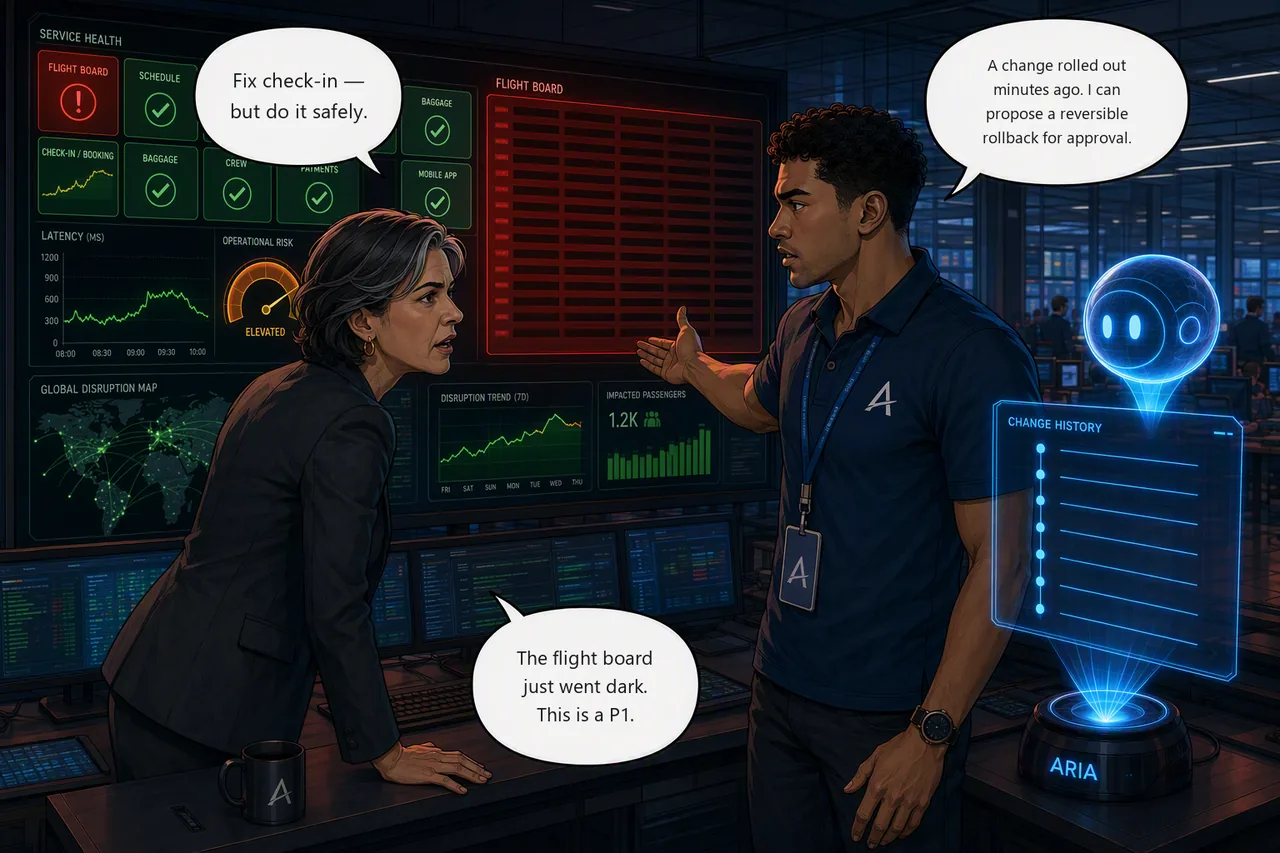
Situation. Two things hit in quick succession. Your check-in hypothesis is solid
and Elena Vasquez, Aetherion's operations director, wants it fixed safely,
with a human in the loop. Then the live flight board goes dark for every station
and flight-ops drops straight to red — the hallmark of a bad change. This is a
P1: restore first, then correlate the change to prevent recurrence.
Mission. Recover check-in with the least-disruptive action under human approval, then restore the flight board by correlating the outage with a recent change and applying a reversible rollback, and verifying both from telemetry.
Start this challenge
Give it two or three minutes. The flight board only goes dark once the old pods have drained, and the Ops Center averages over a rolling window on top of that. You'll see the tile flap between degraded and down while it happens, which is exactly how a bad release looks from the outside.
Tasks
Part A: finish the check-in incident
- Plan the fix. Ask the agent to turn your hypothesis into a concrete
bookingremediation plan and name the permission it needs. - Recover under approval. Keep the agent in Review, approve the least-disruptive fix, then confirm latency is back to baseline.
Part B: the flight board goes dark
- Triage the flight board. Find out how
flight-opsis failing from pod status and events. - Correlate and roll back. Line the outage up with the recent change, apply a reversible rollback, and check the board recovers.
Suggested Azure SRE Agent prompt
Paste into the agent chat
Check-in is still slow, and the flight board has gone dark for every station. Investigate both and propose fixes. Don't change anything yet.
Two incidents, one instruction, no steer. Whatever it comes back with, make it name the permission each action needs before you let it near production.
Success criteria
- Check-in is remediated with a least-disruptive action you approved in Review mode (not ungoverned automation);
bookingis healthy, latency is back to baseline, and the setting the change altered matches what the repository declares. Compensating around it is not a fix. flight-ops's failure mode is identified and linked to a recent change/rollout; the recovery is reversible and doesn't touch unrelated resources, and the service is back on its previous image.- Both tiles are green,
/api/flightsresponds, andcheck-challenge.ps1 3passes.
Verify your work
Run this when you're done. It grades the real end state:
Hints
Recover check-in safely. Ask the agent for a remediation plan before any action. The plan names the permission the write needs, and it is what you are approving.
The safe fix puts back exactly what the last change took away, rather than a value someone picks now. It shouldn't need to restart the cache, touch the database, or go near the nodes.
How an experienced operator would have scoped it. If the agent is wandering, this is how someone who has done this before would ask:
Turn my check-in hypothesis into a concrete remediation plan for the
bookingservice. Restore it to exactly what the repository's manifest declares rather than to a value you choose, and tell me exactly what permission the action needs. Then, forflight-ops, correlate the outage time with deployment and rollout history, including the recorded change cause, and propose the least-disruptive reversible rollback.
Note what it refuses to leave open: restore to what the repository declares, not a value you choose. Compensating around a bad change looks like a fix and isn't.
Restore the flight board. Confirm how flight-ops is failing in AKS first,
then line up the moment the tile went red with deployment and rollout history.
Closeness in time is your strongest lead, and returning to the last good state is
usually the fix.
Not every change arrives through git. This one was applied straight to the cluster, so the rollout history is the change record, which is exactly why teams insist changes go through a pipeline that leaves one.
Stuck? Step-by-step for each task
Give each task a genuine attempt first, and skim the hints above. When you want the exact clicks, open the matching task below.
Task 1 · Plan the fix
- In the agent chat, paste the suggested prompt above (or ask it to turn
your check-in hypothesis into a concrete
bookingremediation plan). - Read what it proposes: it should say exactly what it will change and the permission the action needs. That is what you are about to approve.
A plan is not a pending action
The agent will write you a plan and then stop, and no Approve button appears. That is correct behaviour, not a broken setup: in Review mode the approval card only appears when the agent attempts a write. Read commands run on their own; nothing is queued until you say so.
When you're happy with the plan, tell it to go:
Apply the booking remediation now.
The approval appears then. The agent may also describe a plan as "ready for approval" while nothing is actually queued, so treat that phrasing as "I've finished thinking", not "your turn to click".
Task 2 · Recover under approval
- Keep the agent in Review. When the approval card appears, read the exact command on it, then select Approve action: it runs once, and the action is recorded.
- Note what gated that write. The recovery is a Kubernetes operation, so it was your run mode that held it for approval, not the agent's Azure role. Permissions decide what the agent can reach; run mode decides whether it asks first.
Read the small print on the approval card
It says "Agent permissions will be used to complete this action." The write runs as the agent's own managed identity, not as you. So the change is attributed in the Activity Log to the agent, not to the person who approved it. Worth remembering in Challenge 8, when you're asked to produce change evidence and explain who did what.
One instruction queues one action. Approving the check-in fix does not queue the flight board rollback; you'll ask for that separately in Task 4.
Then verify booking latency is back to baseline, and confirm the change was
actually reverted rather than worked around. The running configuration
should match what the repository's manifest declares, with no leftover
override on the deployment.
Task 3 · Triage the flight board
- Ask the agent how
flight-opsis failing, from pod status and recent events. This is what it is fastest at, and it will correlate the events with the rollout in the same pass. - Decide the failure mode (crash-looping, failed probe, bad image) before you change anything.
- If you want to see the raw evidence for yourself,
kubectl get pods -n aetherion -l app=flight-opsandkubectl describe deploy/flight-ops -n aetherionwill show it. Use that to check the agent, not to replace it.
Task 4 · Correlate and roll back
- Have the agent line the outage time up with deployment / rollout history, including the change cause recorded against the new revision, and propose a reversible rollback to the last good revision.
- Approve it, then confirm the board updates and
/api/flightsresponds.
Two clocks
The agent reasons in UTC; the Ops Center and the Azure portal render your local time. Before you correlate anything, decide which clock you are working in — a two-hour offset will line the wrong change up with the outage and look convincing.
Check the change record afterwards
Run kubectl rollout history deploy/booking -n aetherion once check-in
is fixed. The revision that caused the incident and the revision that
fixed it carry the same change cause, because the remediation didn't
set a new one.
Nothing is broken. It's what happens when a fix is applied without recording why, and it's the reason your change log stops being evidence. You'll want this in the Challenge 8 handover.
Optional · ask it to draw what it just told you
Once the board is back, try:
Visualize this incident as a diagram: the timeline, the causal chain from the change to the outage, and the request path a passenger hit.
The agent writes the image in its Python sandbox and hands it back. It takes seconds, and it is the artefact that works on a bridge call: the people who join late understand the shape of the incident without reading a single line of your investigation.
You will render a formal PDF in Challenge 8. This is the version you produce while the incident is still open, which is usually when it is worth the most.
Reference
Up next: teach the agent your runbooks
The next incident's fix is already written in Aetherion's runbooks, if only the agent knew them.