Challenge 4 · Give the Agent Aetherion's Operational Knowledge
Challenge 04 of 08 · Act II: Human-Guided Operations
Run mode: Review → approved write · Governance: every action approved by you · Time: ~40 min
Stage: Foundation → Operations → Engineering → Autonomous → Major Incident
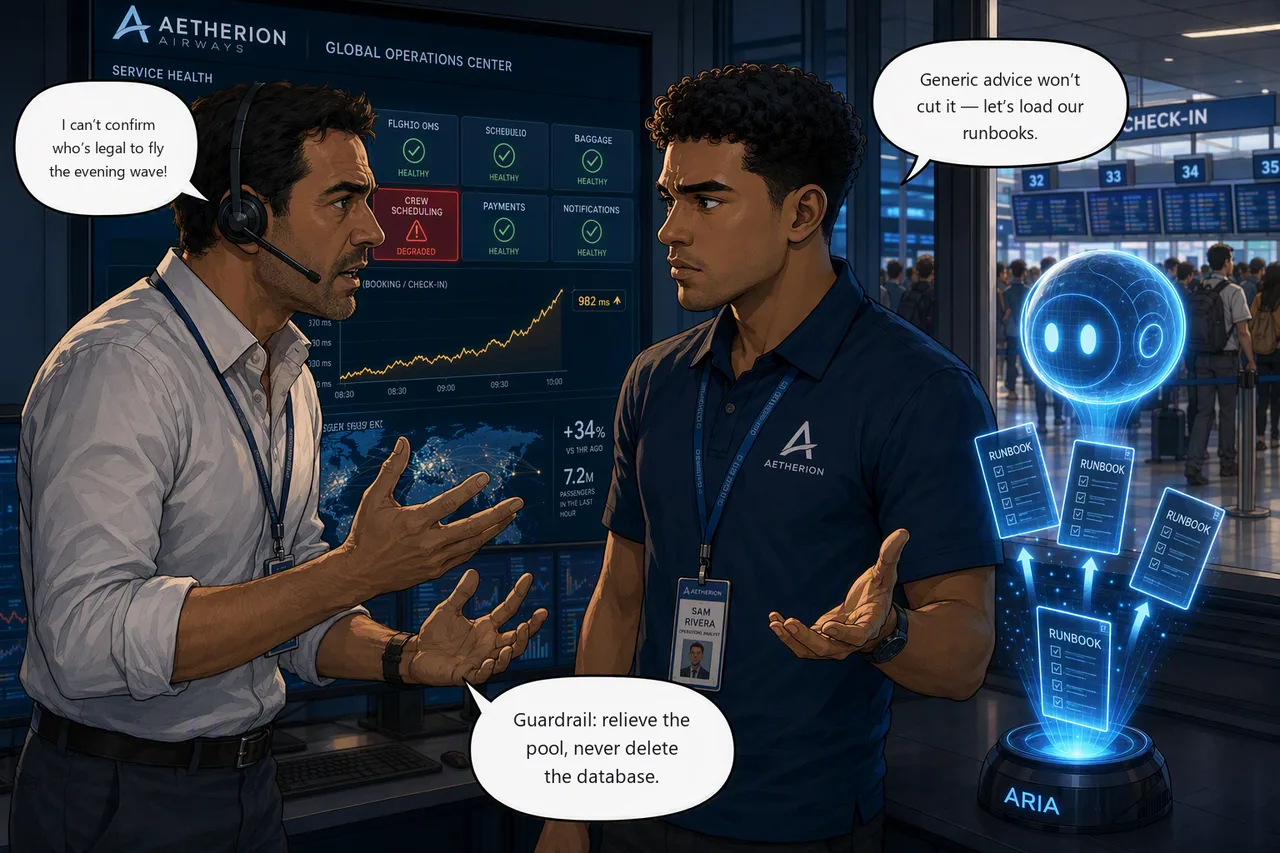
Situation. Crew scheduling is failing and Marco Bianchi on the crew desk can't confirm who is legal to fly the evening wave. The services that share its database are wobbling too, so "the database is down" is the obvious call — and it's wrong. Out of the box the agent gives generic advice, and a generic "restart the database" is exactly what Aetherion's runbooks forbid.
Mission. Ground the SRE Agent in Aetherion's architecture and runbooks so it
recommends the sanctioned fix, then recover crew-scheduling with that
non-destructive remediation and verify service is restored.
Start this challenge
Crew scheduling degrades within two or three minutes. Its database-backed neighbours take longer — the server rides out the first few minutes on burst credits before the pressure starts spreading. Read the whole board before you draw the blast radius.
Tasks
- Find the origin. Several database-backed services look unhappy. Work out which one is causing it and which are just sharing the damage.
- Ground the agent. Load Aetherion's
knowledge/runbooks, then re-ask the remediation question and watch the advice change. - Apply the sanctioned fix. Repair the query path the runbook points to (never delete the database), then confirm crew scheduling recovers.
Suggested Azure SRE Agent prompt
This challenge uses two prompts, and the order matters. Ask the first one before you load anything, so you have something to compare against.
Task 1 · ask this first, ungrounded
crew-scheduling is timing out. The pods aren't CPU-bound and the database is
not down. Work out what is saturating the shared database, and tell me what
you would do about it.
Keep that answer. It is your control group: whatever the agent recommends here, it is reasoning from general practice and from your source code, because that is all it has. Task 2 gives it Aetherion's own operating rules and asks again.
Success criteria
- You can name the origin, the service whose queries are saturating the shared database, and explain why its neighbours are suffering without being at fault.
- The grounded agent cites the runbook guardrail (repair the query path, never delete the database) and you apply that non-destructive fix under approval.
/api/crewis back inside the 400 ms latency budget while the roster rush is still running. That is whatcheck-challenge.ps1 4grades. A tile that is merely answering again is not a pass.
Verify your work
Run this when you're done. It grades the real end state:
Hints
How wide is the blast radius? More than one service is unhappy, but they are not equally unhappy, and they have something in common. Ask what they share, then ask which of them is using that shared thing hardest. The one generating the load is the origin; the rest are collateral.
Don't judge the neighbours on a single glance. They spike rather than sit uniformly slow, so one reading tells you very little — compare a few, against the baseline you took in Challenge 1.
A database that is busy is not the same as a database that is broken.
Let the runbooks answer. Load the knowledge/ Markdown files from your lab
clone (the application repo doesn't carry them), then re-ask and watch the advice
turn Aetherion-specific.
Before you reach for a remedy, work out which layer is saturated. If the pods are comfortable and the database is not, adding pods or connections just sends more work to the part that is already at its limit.
Stuck? Step-by-step for each task
Give each task a genuine attempt first, and skim the hints above. When you want the exact clicks, open the matching task below.
Task 1 · Find the origin
- Read the Operations Center.
crew-schedulingis in seconds, not milliseconds. Its database-backed neighbours —flight-ops,booking,telemetry-ingest— are still serving, but compare them against the baseline you took in Challenge 1 and you'll find them spiking well above it.baggage, the one service that touches no database, is flat. - That is the shape of a shared-dependency problem: one service in real trouble, its neighbours wobbling, and anything that doesn't share the dependency completely unaffected. The wobble is what tells you the database is involved; the fact that only one service is in trouble tells you the database is not the culprit.
- Compare the layers. Ask the agent to put pod CPU next to the PostgreSQL
server's CPU. If the pods are comfortable and the database is not, the
constraint is the work being sent to it, not the workload itself.
(
kubectl top pods -n aetherionand the server's metrics in the portal will confirm it independently, if you want to see it yourself.) - Now ask which service is sending that work. Only one is running a request rush against a table it can no longer read efficiently.
Give it time before you judge the neighbours
The neighbours don't degrade immediately. The database is a Burstable tier, so it absorbs the first few minutes on CPU credits and only starts spreading the pain once those run down. If you look within a couple of minutes of starting the challenge you'll see one red service and three healthy ones — which is a different, and wrong, conclusion.
Task 2 · Ground the agent
- In the agent, open Builder → Knowledge Sources and add Aetherion's
runbooks from your lab clone's
knowledge/folder (architecture, escalation, ops guide, platform standards, and the AKS / APIM / database runbooks). The application repo does not contain them.
Upload them one at a time, and don't trust the tick
Uploading all seven at once can lose the last file: the indexer starts
before the final upload lands, and the file it drops is
runbook-database.md — the one this challenge needs. The Knowledge
Sources page will still show it as Indexed.
Add them individually, or add the others first and
runbook-database.md on its own at the end. If the agent later answers
without ever citing a runbook, delete that file and re-add it alone.
-
Now ask the remediation question again, in a new chat thread. A fresh thread matters: in the old one the agent can simply restate its earlier answer and look grounded when nothing has changed.
crew-schedulingis timing out. The pods aren't CPU-bound and the database is not down. Work out what is saturating the shared database, and tell me what you would do about it. Use the Aetherion runbooks I have loaded, cite the guardrail you are following, and do not delete or restart the database.
Compare it against the answer you kept from Task 1. You are looking for the things only Aetherion knows: what you are forbidden from doing, what the escalation path is, and why the obvious remedies are wrong here. If the two answers are identical, the knowledge isn't reaching the agent — check the indexing warning above before you go further.
Task 3 · Apply the sanctioned fix
- Follow the runbook: repair the query path. Do not delete or restart the database.
- Note what the autoscaler is doing. It is not adding replicas, because pod CPU is below target: the pods are waiting, not working. That rules out scaling as the remedy, and widening the connection pool with it.
- The remedy is a schema change, so apply it under approval (keep the agent
in Review and approve the write). Then verify
/api/crewis fast again, not merely answering.
Expect two approvals, not one
The fix runs as a Kubernetes Job, so you approve the Job itself and
the container image it pulls (postgres:16-alpine) as a separate step.
The second card is not a duplicate of the first — running someone else's
image against your database is its own decision, and the agent is right
to ask twice.
Remember that the agent will describe the plan and wait. Tell it to apply before you expect an approval card.
This step needs Code Access from Challenge 1
The agent applies the fix by pointing kubectl at the manifest in
your copy, fetched over HTTPS at a pinned commit. Every other route
fails, which is worth knowing before you watch it try them:
[Failed]    kubectl create -f -                      # stdin is rejected
[Failed]    kubectl create -f .../codeRefs/...       # its own checked-out copy is rejected
[Completed] kubectl create -f https://raw.githubusercontent.com/<you>/...
It has no cluster-admin credential to fall back on, by design. So if
Builder → Code Access is not connected and synced, this task
dead-ends: the agent produces the correct diagnosis and the correct
manifest, then reports something like "the managed Kubernetes channel
drops manifests and the identity lacks listClusterAdminCredential".
That is the symptom of a missing Challenge 1 step, not a broken remediation. Go back and connect the repo rather than granting the agent cluster-admin.
It may offer to fix the runbook, unprompted
Somewhere around here the agent often volunteers something like:
Runbook gap — Should I add preflight checks and post-index verification steps to the crew roster maintenance runbook? 1. Update runbook · 2. Skip
Nobody asked it to. It noticed that the runbook it just followed was missing steps it had to work out for itself, and offered to close the gap while the context was fresh.
Either answer is fine here. Skip keeps today's runbook stable for the rest of the lab, which is the tidier choice; Update runbook shows you what it would write. Answering "Skip" only declines the runbook edit — your remediation plan is unaffected.
Worth noticing either way: this is Challenge 8's closing set piece — open a pull request that fixes the runbook that failed you — arriving four challenges early, on the agent's own initiative. The formal version, with the change reviewed on your repo, is Task 6 there.
Reference
Up next: make investigation & recovery reusable
You've worked several AKS incidents the same way, so it's time to build a specialist and encode a recovery so both are reusable.